"Run your own AI girlfriend" sounds like installing one program. It is really three parts that work together, and knowing what each does spares you most of the headaches.
The three parts
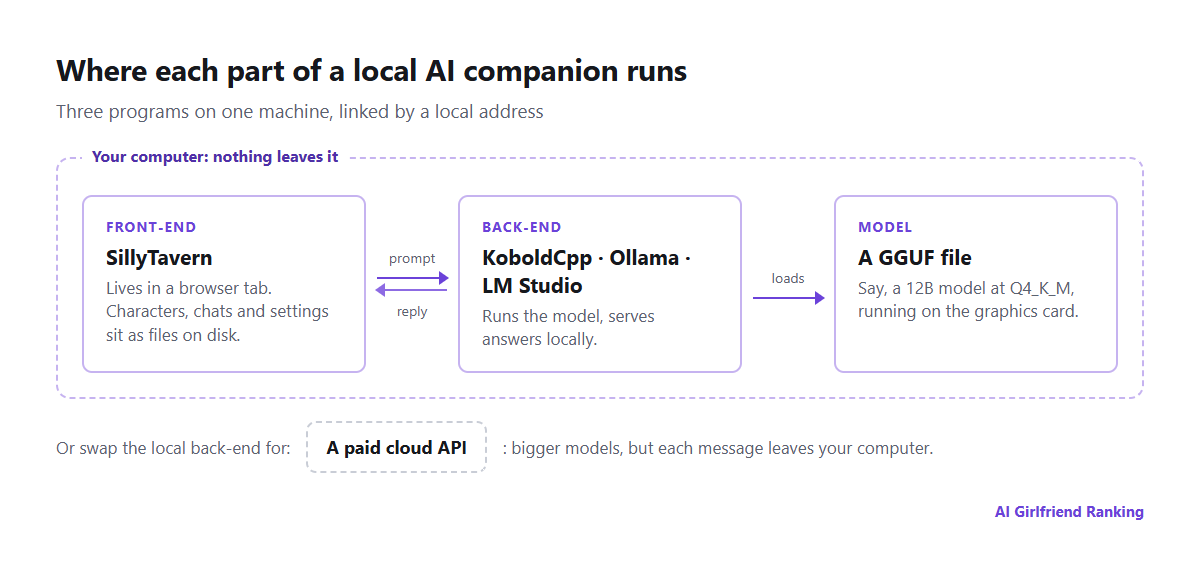
Which part talks to which in a common local setup.
The front-end is the part you look at: chat windows, characters, avatars, settings. SillyTavern is the go-to for character chat. It opens in your browser, keeps characters and chats as files on your drive, and hooks into nearly any back-end. It cannot write text on its own.
The back-end loads the model and produces the replies. KoboldCpp is one self-contained program, no install needed, loved for roleplay because it opens up every generation setting. Ollama gets a model going in a few commands. LM Studio is a desktop app with a friendly model browser. Whichever you pick serves the model at a local address for the front-end to reach.
The model is a big file, usually in GGUF format, pulled from Hugging Face. Its parameter count (8B, 12B, 24B) and its quantization set the quality and the hardware it demands.
Hardware
The deciding factor is graphics memory (VRAM). The model must fit, with space left over for the conversation. Quantization compresses models so they fit, and "Q4_K_M" is the usual middle ground between size and quality.
| Hardware | Model class | Memory needed (Q4) | Verdict |
|---|---|---|---|
| Entry card with 8 GB | 7-8B | around 5-6 GB | Quick and readable, but long scenes lose detail |
| Mid card with 12 GB | 12-14B | around 9-10 GB | Characters and prose take a clear step up |
| 16-24 GB card | 22-24B | around 14-16 GB | Rivals the better hosted apps for roleplay |
| Dual cards, or a Mac loaded with RAM | 70B | 40 GB and up | Superb, yet slow and pricey |
These are ballpark figures, and a long context eats extra memory beyond them. Apple Silicon Macs share one pool between CPU and GPU, which lets a 32 GB MacBook load models that would choke a 12 GB video card. Once a model overflows, part of it runs on the regular processor and speed collapses. Getting only a few words per second? Pick a smaller model first, and only then a tighter quantization. A modest model at good quality tends to win over a big one that has been crushed.
What you get
- Privacy that needs no promise. Your chats stay on your hardware. No one keeps them, trains on them, reads them or leaves you something to erase later.
- No filter beyond the model's own. You pick the model, including ones tuned for roleplay. The legal floor on content still binds you, but no operator layers extra rules on top.
- Zero recurring fees. Generate until you are bored.
- Characters you keep. A character card is an ordinary PNG with the sheet tucked inside. It travels from one front-end to another, and no update can revoke it.
- A fixed target. The model you download today will behave identically years from now. Nobody can quietly replace it, the danger we describe in when your AI companion changes overnight.
What it costs you
- Setup time. Budget an evening for a first working chat, and weeks of tweaking if that is your thing.
- Memory becomes your chore. Hosted apps quietly summarize and store facts about you. At home you handle that through SillyTavern's lorebooks, summaries and character notes, the same three mechanisms covered in how AI companion memory works, only with the controls in plain sight.
- Images and voice are side projects. Picture generation needs its own model and typically more graphics memory. Voice needs speech recognition and synthesis tools. All doable, none automatic.
- Phones are awkward. Home Wi-Fi lets you open the front-end on your phone. Using it away from home means exposing your computer to the internet, which takes care.
- A quality ceiling. The best hosted models are bigger than anything most people can run at home, especially for consistency over the long haul.
The halfway option, and its catch
Plenty of people run SillyTavern locally but plug it into a paid cloud API instead of a local model. You keep the front-end controls and character files, get far larger models, and pay per message, which can be cheap if you chat lightly.
But it is not private. Every message reaches the API provider, under its own logging, retention and content rules, which are often stricter on roleplay than dedicated companion apps. It is a different trade, not a local setup.
Staying safe
- Install programs from their official GitHub repositories or project websites, and nowhere else.
- On Hugging Face, stick to uploaders with a track record, and choose GGUF files, since they carry model weights rather than runnable code.
- Check each model's license. A few forbid commercial use, and some restrict specific content.
- Leave SillyTavern visible to just your own computer or home network, unless you have added a password and know what exposing it means.
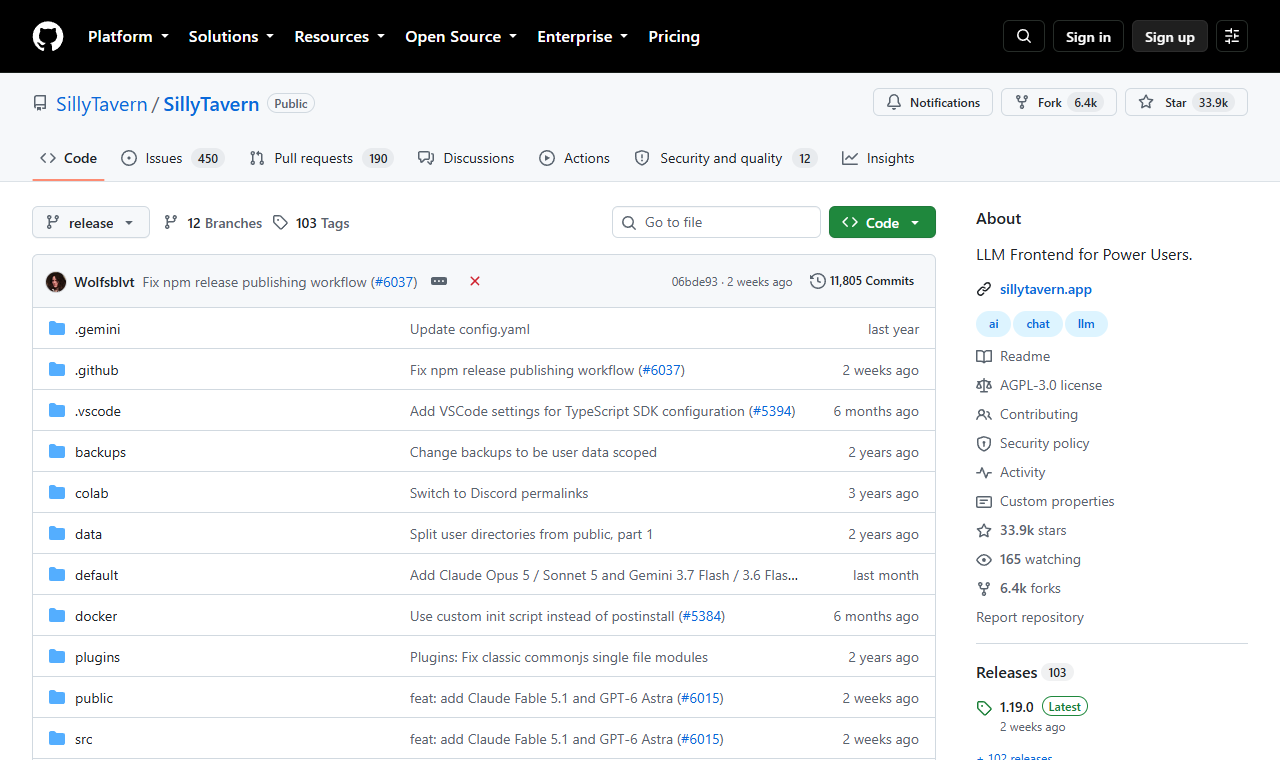
SillyTavern is built in the open on GitHub.
Who should do it
Go local if privacy is your top priority, you already own strong hardware, or you like tinkering as much as chatting. Stick with a hosted app if you want voice, pictures and long memory working right away, or if you mostly chat on your phone. Our guide to picking a first app covers that path. Many users settle on both, using a hosted app for ease and a home rig for talks they would rather not park on anyone's server.